
Editing site with Decap CMS
The easiest way to make minor changes and edits to the docs site is using Decap CMS. This provides a basic interface for editing pages with the changes being pushed directly back to the git repo.
Accessing the admin site
Login to the CMS by going to /admin.

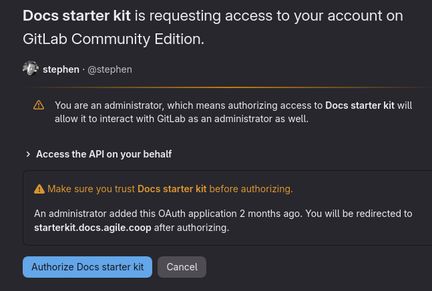
Authentication is provided by Gitlab, so you will be redirected to Gitlab where you will need to login and then authorise the login.
Editing content
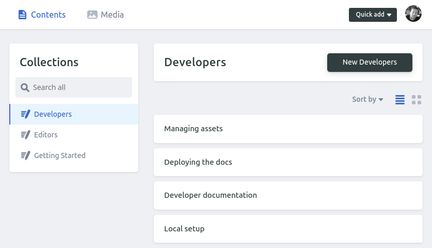
Once logged in you will see the folder sections on the left-hand side; called collections in Decap. On the right you will see all the pages in the collection.
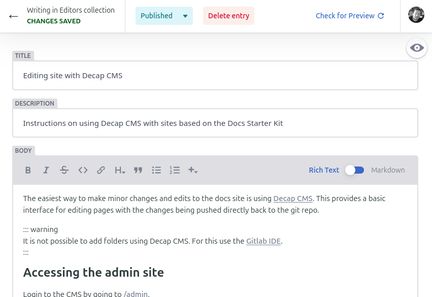
Clicking on a page will take you to the edit page. Where you can adjust the page title, description, body and other metadata fields.
The body field has a basic WYSIWYG editor so no need to know Markdown syntax to use it. There is an option to use Markdown should you prefer.
Adding new content
To add new content, select the collection (folder) you wish to add the content and click 'New {collection}', where {collection} is the name of the collection you want to add the page to.
Each page must have a title, description and body. The other fields are optional. More information on them can be found in page frontmatter.
Publishing changes
Once you have made your changes to the page, click Publish >> Publish now and the changes will be committed and pushed back to the git repo for the docs site. The site will be automatically rebuilt which can take 5 minutes.
Last updated: